NEW
v1.0 · MCP-native · stable
A shared brain
for humans and AI.
Kryton is a self-hosted knowledge base your agents work in, not just on. They read your notes, file the new ones, draft the daily log, and use everything you’ve already written as the context for what you’re doing right now — over the same [[wiki-links]], the same graph, the same MCP protocol.
FOR HUMANS
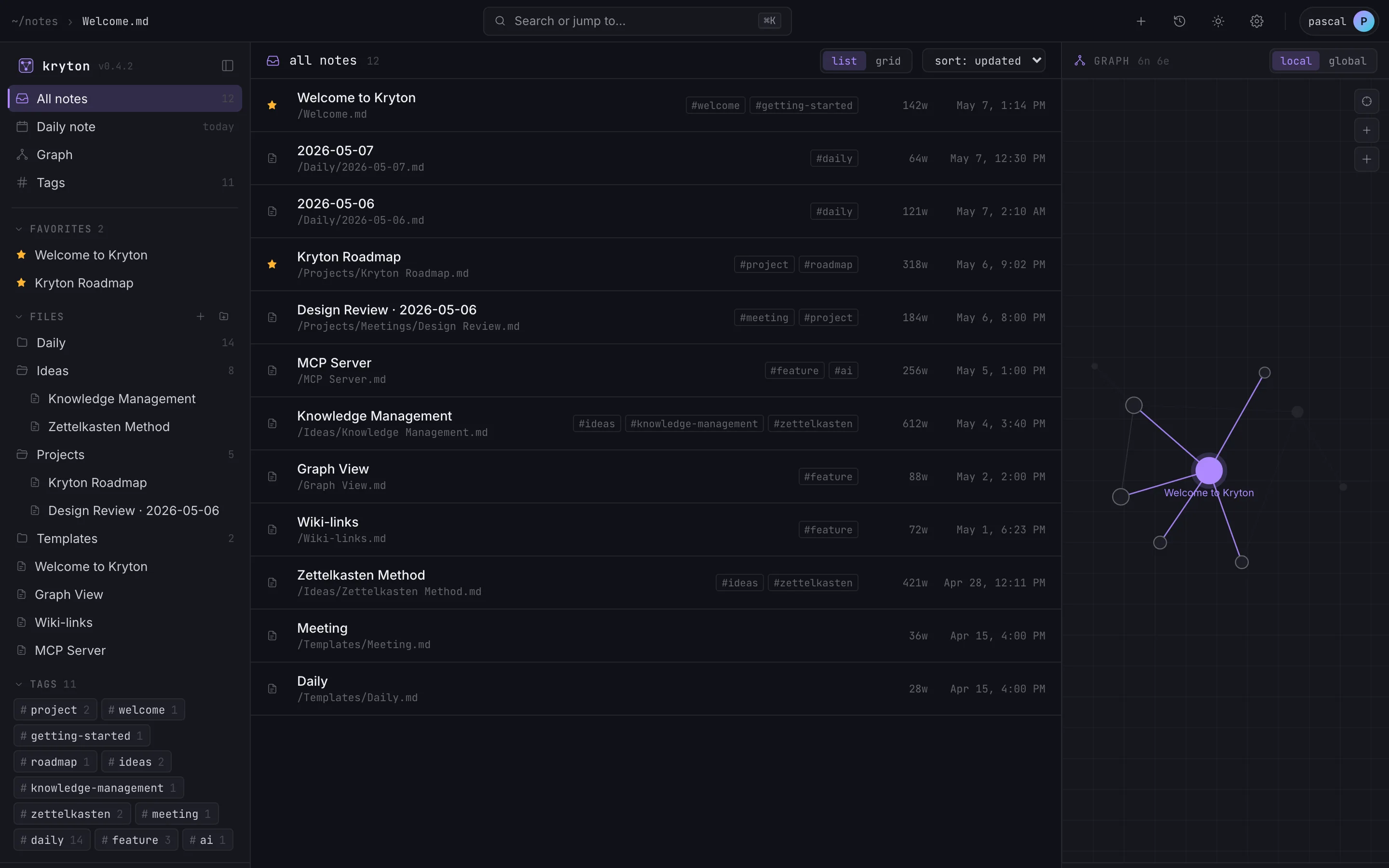
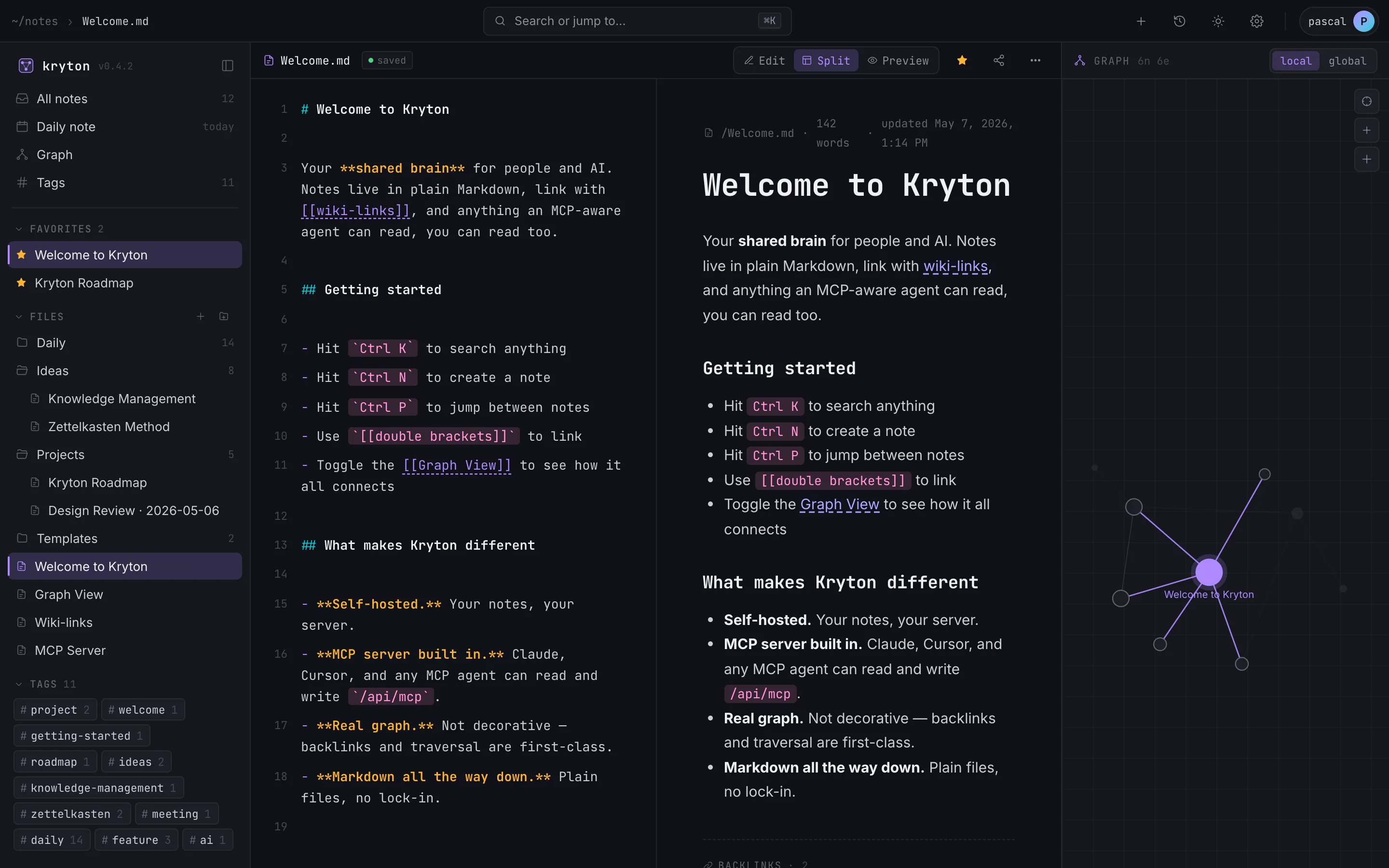
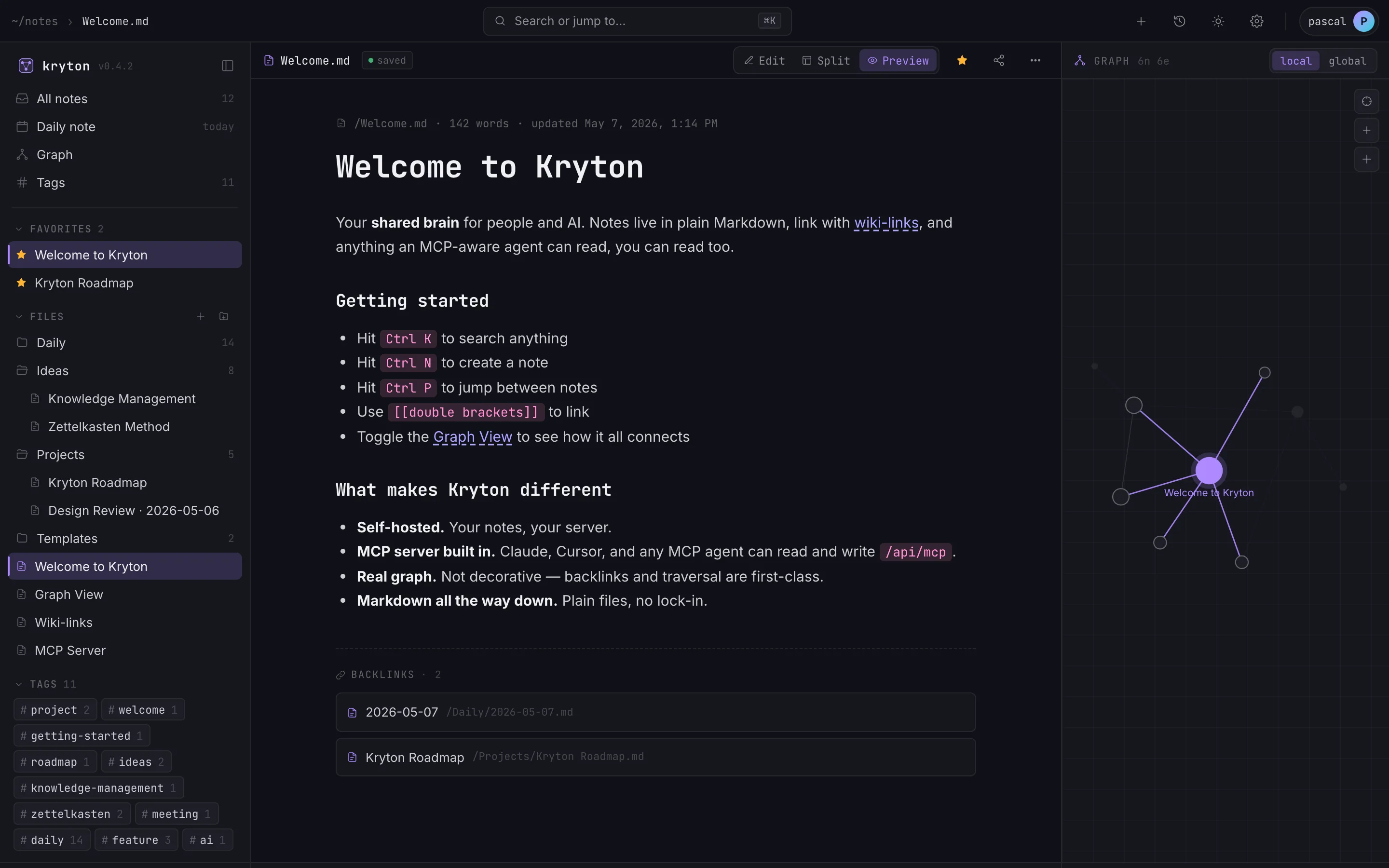
Markdown, wiki-links, the graph.
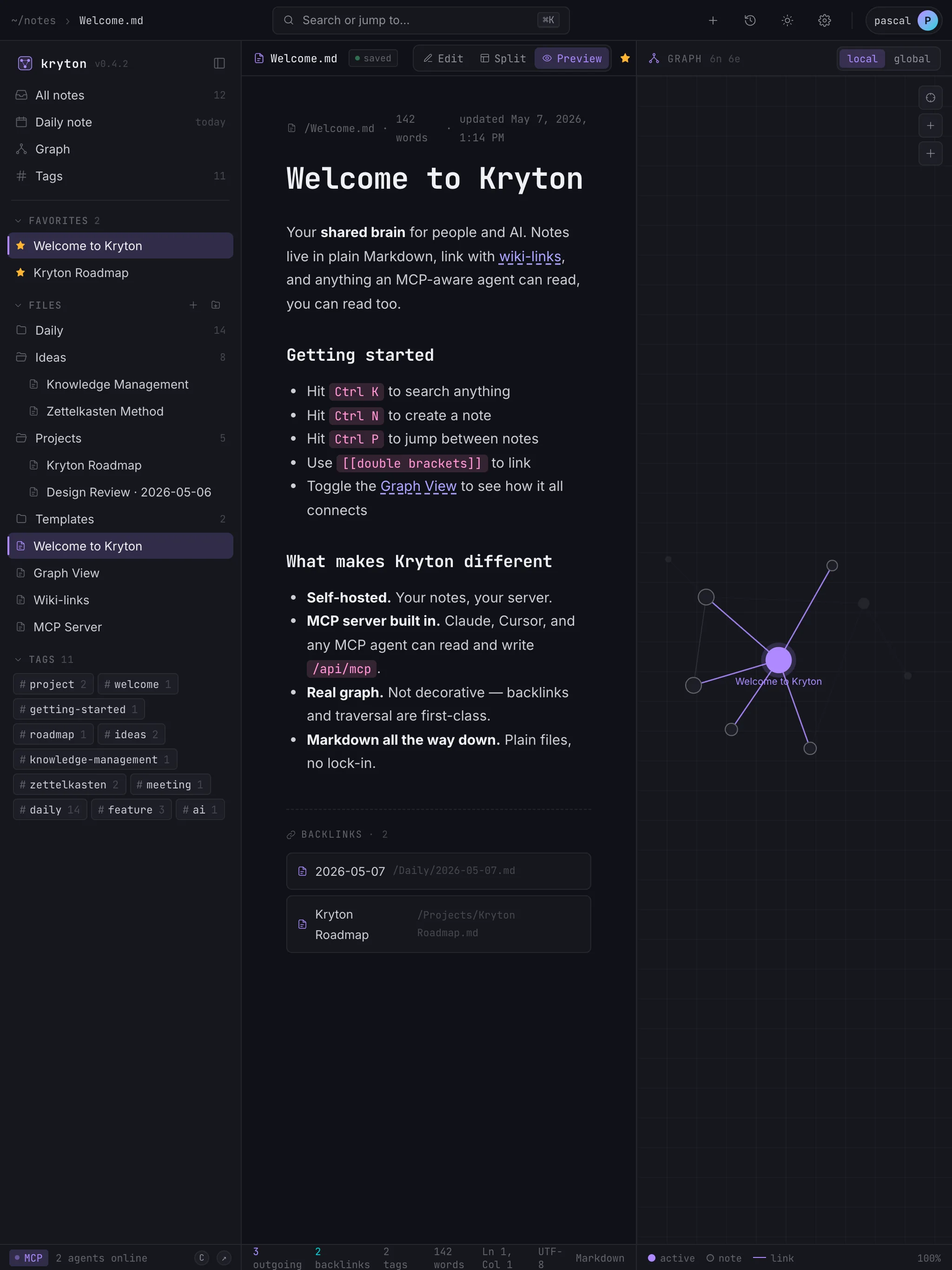
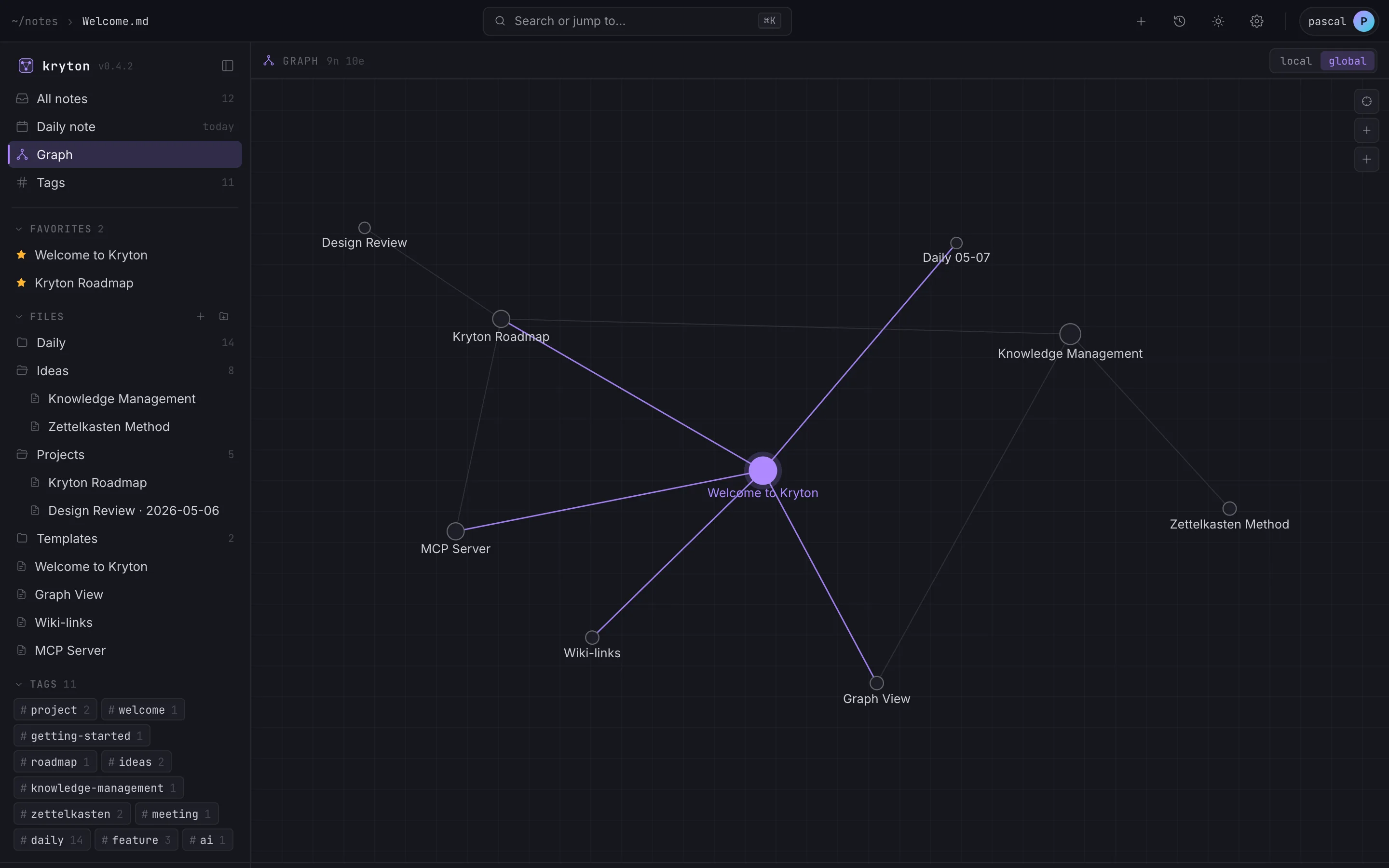
Everything you wanted from Obsidian — editor, backlinks, daily notes, templates, version history — running as a server. Mobile and desktop apps read from the same vault.
FOR AGENTS
Read, write, organize, link.
Your agents don’t just search the vault — they file the meeting notes, triage the inbox, draft tomorrow’s daily log, and link new ideas back to what you’ve already written. Full read+write over MCP.
TOGETHER
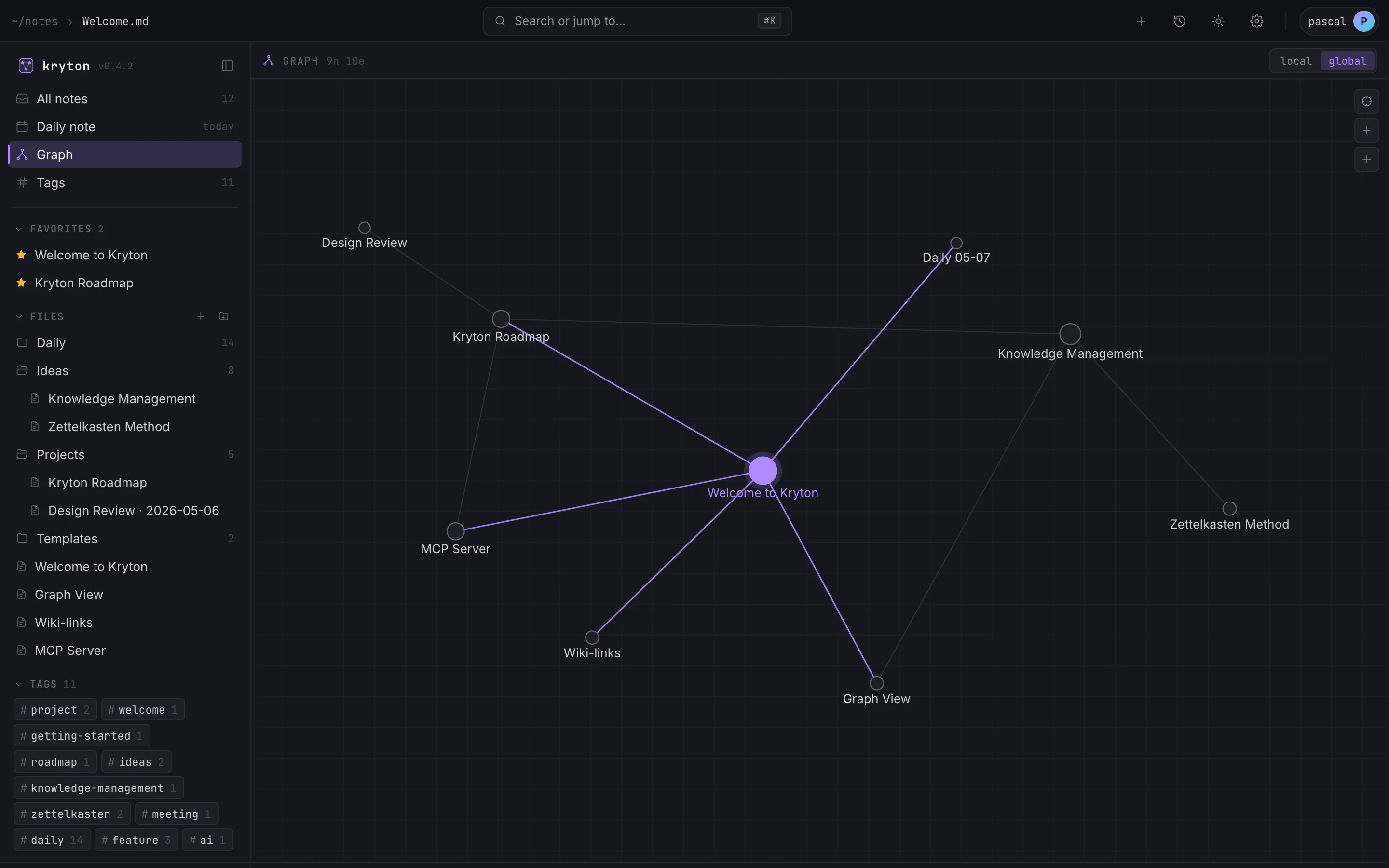
A graph that grows together.
You write a meeting note. Three weeks later your agent finds it, links it to a project, and drafts a follow-up. Memory compounds — without ever leaving your machine.
A TWO-WAY STREET
Your agent knows who you are.
Now it can act on it.
Every note your agent reads is a fact about how you think, what you’ve shipped, and what you care about. The more you write, the more it understands — and writes back in your voice.
01
Daily standup, on autopilot
Open today’s daily note — it’s already written. Yesterday’s PRs linked, blockers from your last 1:1 carried forward, decisions surfaced. You scan, correct what the agent got wrong, and move on.
02
Project docs that don’t rot
Ship a feature, your agent writes the README, updates the architecture note, and links the decision log. The doc lives where the work lives — never in some forgotten Confluence space.
03
An inbox that files itself
Drop a thought in /inbox. Twenty minutes later it’s in the right project folder, tagged, backlinked, and connected to the meeting note where you first brought it up.
04
Context for the next prompt
Working in Claude Code on a refactor? It pulls your design notes, your past decisions, your house style — and writes code that matches what you’ve already shipped, not generic Stack Overflow snippets.
05
A secretary, not a search engine
“Schedule the design review for next week” becomes a calendar entry, a project note, three backlinks, and a daily-note reminder — all without you opening another tab.
06
It compounds.
Tomorrow’s draft is closer to how you’d write it. Next week’s, closer still. Every read and every write makes the next one better — and your vault grows into a model of how you actually work.
A SERVER, NOT A FOLDER
Write anywhere. Share with anyone.
Kryton runs as a real backend. Real accounts. Real sharing. The web app, desktop app, mobile app and every agent hit the same server — and each other’s writes land in seconds.
- 01Native everywhere. Web, macOS, Windows, Linux, iOS, Android — same vault.
- 02Real-time sync. Edit on the train, your teammate sees it on their desktop. Changes sync across the team.
- 03Share at any level. A vault for the company, a folder for the team, a single note for that one engineer.
Native desktop and mobile apps are coming soon.
THE MCP LAYER
Your agent isn’t a search engine.
It’s a co-author.
Every note, every backlink, every tag — read and write. The MCP server is part of the app, served at /api/mcp. Drop a read-write key into Claude Code, Cursor or Codex, and your vault becomes their working memory: they file what’s new, link it to what’s old, draft when you’re stuck, and remember what you said last week so they don’t ask twice.
Or skip the config altogether — krytonctl install detects every agent installed on your machine and wires them up in one shot. No JSON, no tokens to copy, no manual steps.
- create_notefile new findings
- update_noteextend what’s there
- get_daily_noteappend to today’s log
- read_notewhat you wrote yesterday
- searchfull-text across the vault
- get_backlinksfind what links here
- get_graphtraverse the wiki-graph
- + 7 moretags, templates, plugins…
{
  "mcpServers": {
    "kryton": {
      "type": "streamable-http",
      "url":  "https://www.kryton.ai/api/mcp",
      "headers": {
        "Authorization": "Bearer $KRYTON_TOKEN"
      }
    }
  }
}SELF-HOST
Your notes. Your sign-in.
Your server.
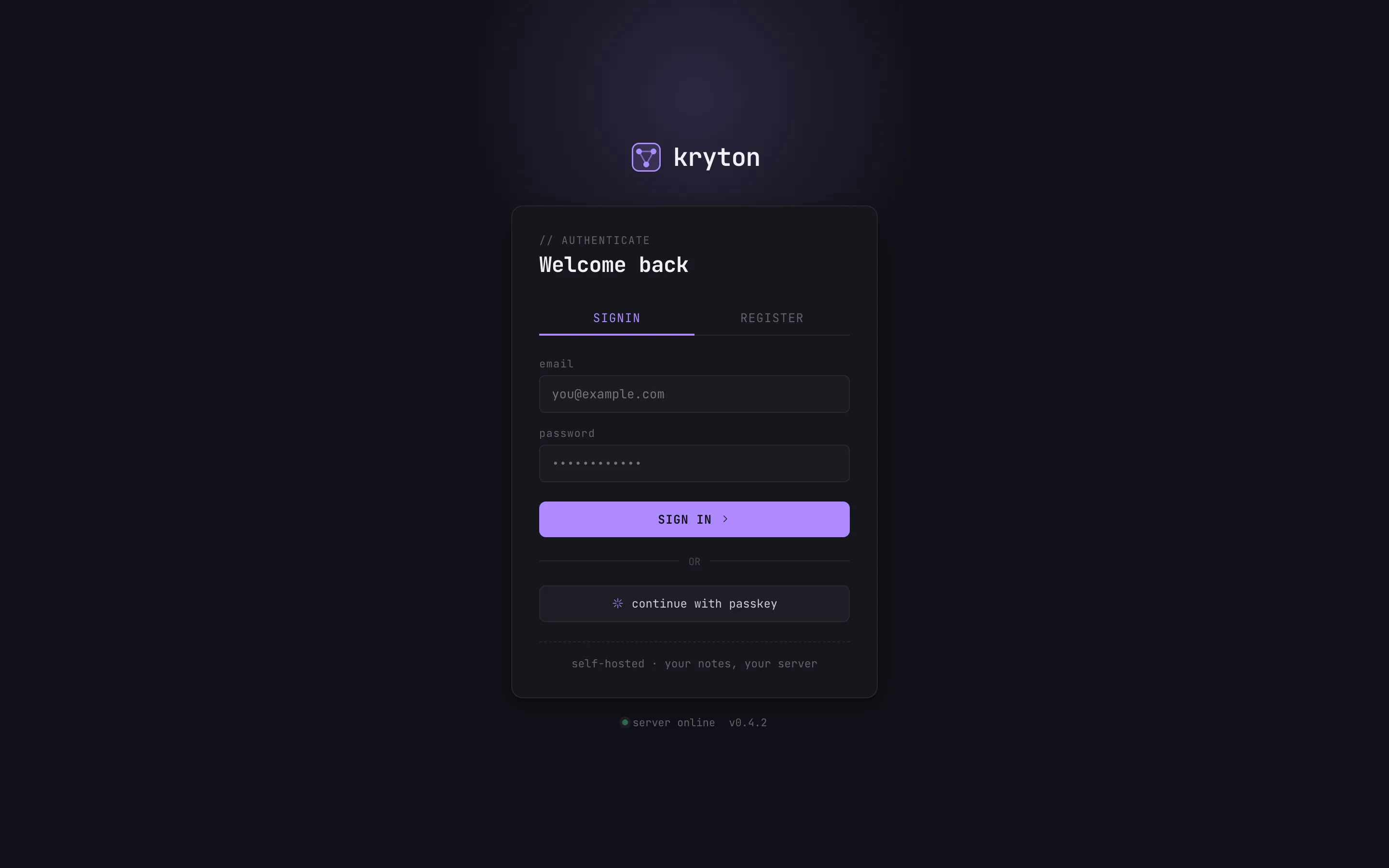
No one else’s account system. No telemetry. No analytics SDKs. Sign in to your instance with email + password or a passkey, and that’s the whole of who-knows-anything.
- Single binary or single Docker container — pick one.
- Postgres for teams.
- First-class passkey support, optional OIDC for enterprise SSO.
- Backups: rsync the data dir. That’s it.
HOW IT STACKS UP
Kryton vs Obsidian vs Notion
Three good tools, three different bets. Obsidian writes to a folder on your laptop. Notion runs on someone else’s cloud. Kryton runs as a server you own, with multi-user sharing, real-time sync, and an MCP layer baked in.
KRYTON CONNECT · OPTIONAL
Don’t want to fight your router?
We’ll do the networking.
Kryton Connect is an optional convenience service. We give you a you.my.kryton.ai address with auto-renewed SSL and a managed outbound tunnel — so your self-hosted Kryton is reachable from anywhere without port forwarding, dynamic DNS, or firewall rules. Comfortable with nginx + Let’s Encrypt? You don’t need this; Kryton is fully self-hostable on your own domain. Want it to Just Work? Sign up below.
No router config
Your Kryton opens an outbound HTTP/2 tunnel to our edge. Nothing listens on your network. NAT, CGNAT, mobile hotspot — all fine.
HTTPS by default
Every *.my.kryton.ai tunnel gets a real Let’s Encrypt certificate we renew for you. No mixed-content warnings.
One token, zero ops
Paste the token from your dashboard into Kryton → Admin → Tunnel. Done. Rotate any time; revoke any time.
14-day free trial · cancel any time · self-host still free + open source
SHIP IT
Run it on your own metal.
Single binary. One command to bring it up, one to back it up. Your notes, your graph, your agents — never anyone else’s.
Apache 2.0 · self-hosted · no telemetry